

 One code. Your next connection.Scan to explore
Start with the next action
Choose the menu, contact card, service page or schedule a visitor needs at the moment they scan.
Events & venues
Keep tickets and venue signs pointed at the current schedule, directions or event information.
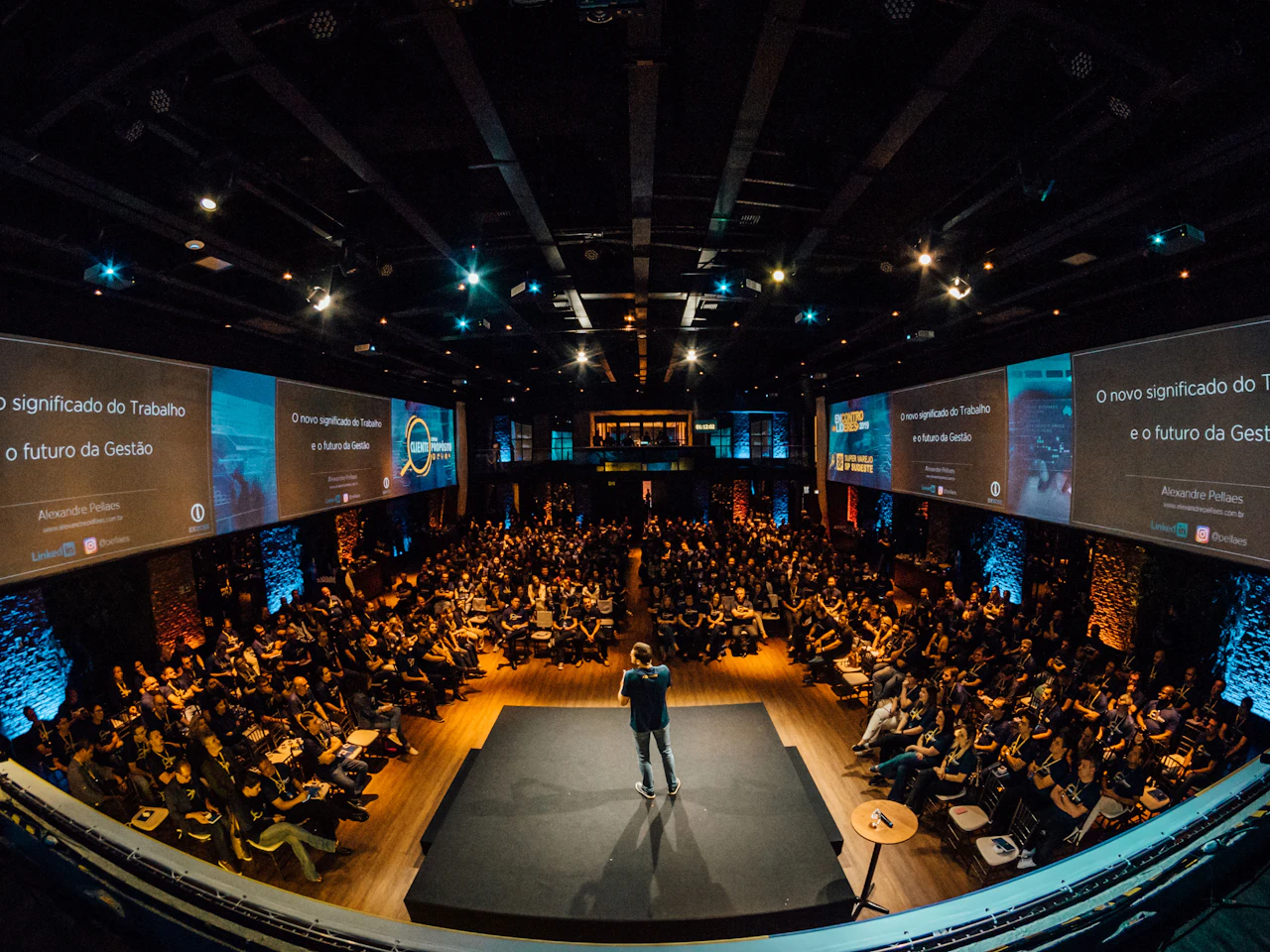
Choose the menu, contact card, service page or schedule a visitor needs at the moment they scan.
Use signs and printed materials with a clear call to action and enough room to scan.
Update your destination when the offer, details or schedule changes.
Use scan trends on the paid plans to understand which placements visitors use.
From idea to connection
Quick answer
Event QR codes can open schedules, directions, speaker information or a contact page. Choose the visitor’s task and publish the destination before handing out materials. A dynamic link helps when the address changes, but the venue still needs clear fallback information and reliable access.
Before arrival, a ticket code may need to open directions or event information. Inside the venue, a sign may need the current agenda. After a meeting, a badge or business card may need contact details.
Don’t make visitors work through an unrelated promotional page to find an urgent answer. Label the printed code for its task and check the destination on a phone with realistic venue connectivity.
Publish schedule changes in a controlled way and check the link people already received. If you use smart routing or scheduled destinations, verify the relevant times, devices and languages rather than testing one preview.
Keep critical information visible without a scan. A QR complements signage and staff, but it should never be the only way to find an essential location or safety instruction.
Separate codes for tickets, lobby signs and handouts show where people used the links. Compare equivalent periods and note changes in placement or call to action.
Scans do not prove attendance, ticket validity or a successful introduction; those need their own systems. After the event, point the code at something useful, such as follow-up resources, instead of an abandoned schedule.
No. A schedule link opens information. Ticket validation needs its own access-control or ticketing system.
A dynamic link’s destination can change at any time. A static code can still open updated content at its existing URL if you control that page.
Keep a useful follow-up page or a clear “event ended” message, and keep the link working while printed materials are still around.
Your next customer could already be looking. Make it easy to find you.
Create your first QR free No credit card. No expiry. Just possibilities.