

 One code. Your next connection.Scan to explore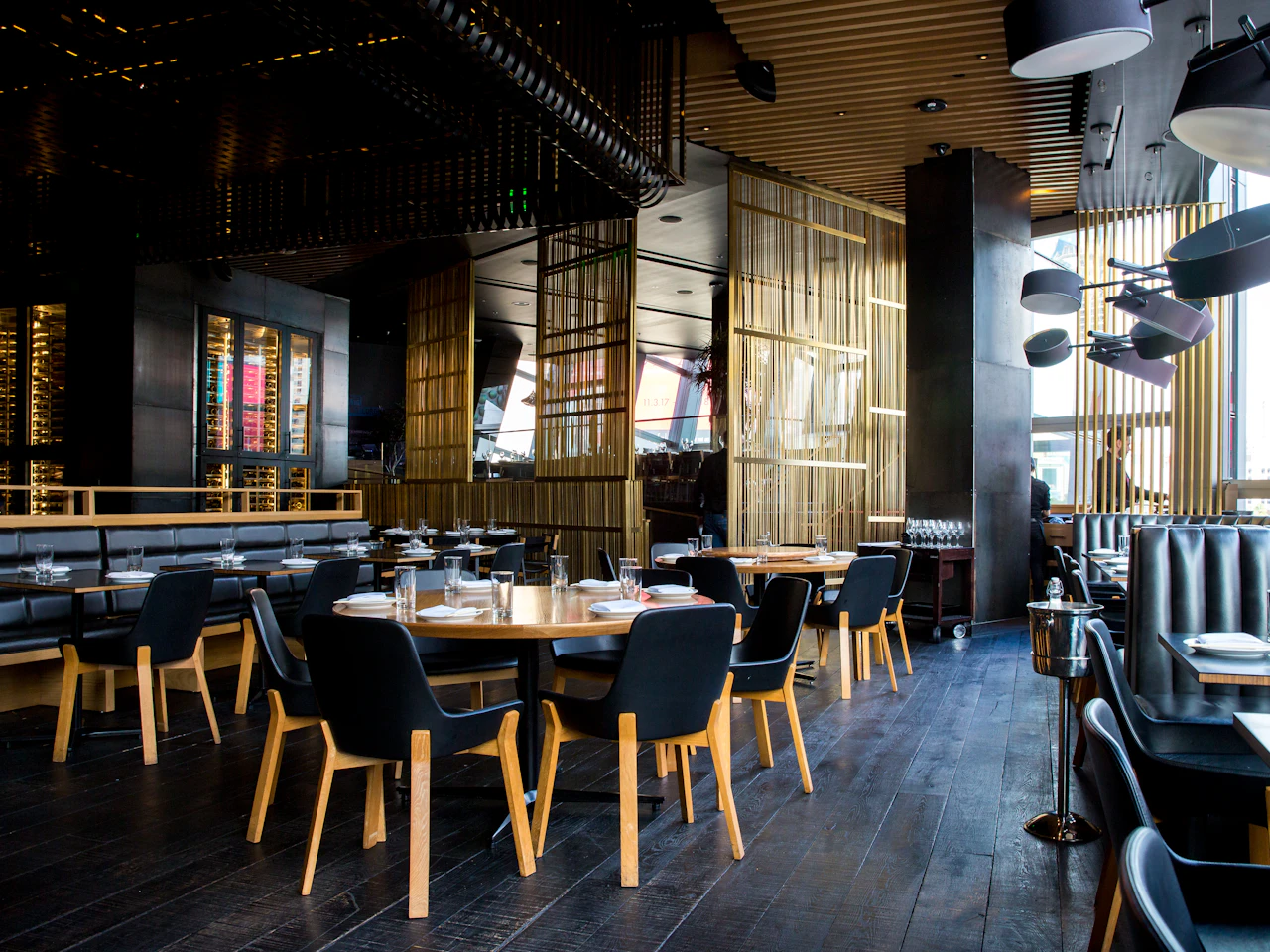


Explore the details
Quick answer
A small-business QR workflow starts with what the visitor needs right now: read a menu, save a contact, see services or check an event schedule. Choose a focused destination, make the printed code readable, and decide who keeps the link and information current.
Connect a placement to one useful action
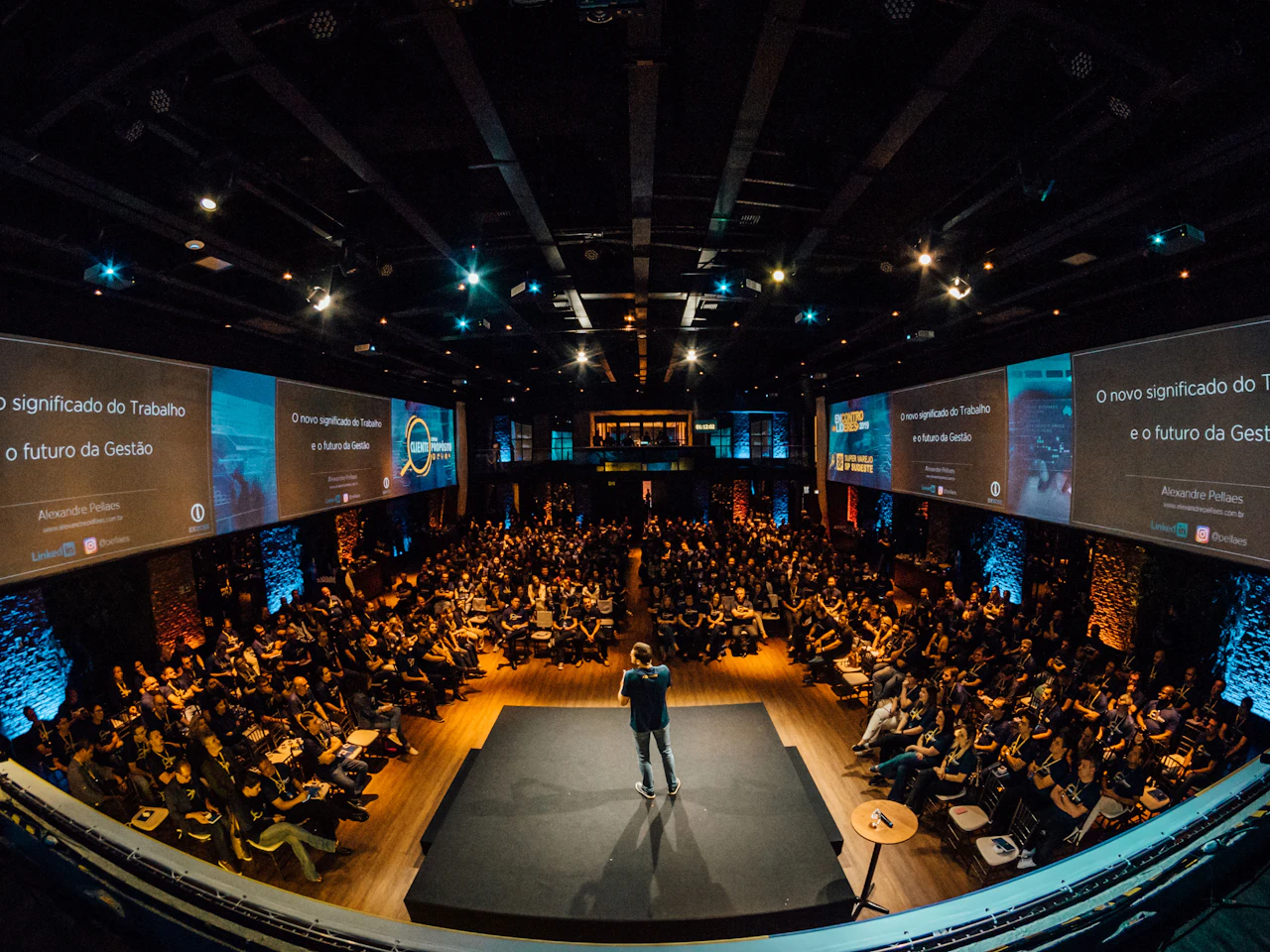
A window sign, a table card and a conference badge reach people in different situations. They should not automatically share the same destination. Match each placement to the information someone needs at that moment.
Put a clear label near the code, such as “View the menu” or “Save my contact”. Keep a plain link or a person to ask available when scanning is inconvenient.
Choose static or dynamic before printing
Static codes are fine when the encoded content is unlikely to change. Dynamic links help when a seasonal menu, portfolio or schedule needs updating while the printed placement stays.
A dynamic code depends on the service that runs it. With QRflick your codes keep redirecting even if you downgrade or stop paying, but the destination page itself must also stay useful after a campaign ends.
Review outcomes and upkeep together
Track scans by placement on the plans that include full analytics, then compare them with enquiries or other actions on the destination. A higher scan count can mean better visibility without proving better business results.
Decide who updates what. The person who orders a printed sign may not be the person who changes opening hours or a booking link. A named owner prevents avoidable dead ends.
Questions, answered
What should a QR code open for my business?
The page or action the visitor needs: a menu, a contact card, a service page or a schedule. Avoid adding unrelated steps.
Do I need a new website?
No. A QR can open an existing useful page. Cards and profiles are optional pages hosted by QRflick.
How should I compare printed placements?
Use a separate dynamic code for each placement and compare equivalent periods together with what happened on the destination.
