

Only the details you need
Add names, optional prices, photos, descriptions, dietary information or calories.
Restaurant menus
Publish a thoughtful menu in your guests’ languages. Keep the same QR when a dish or price changes.
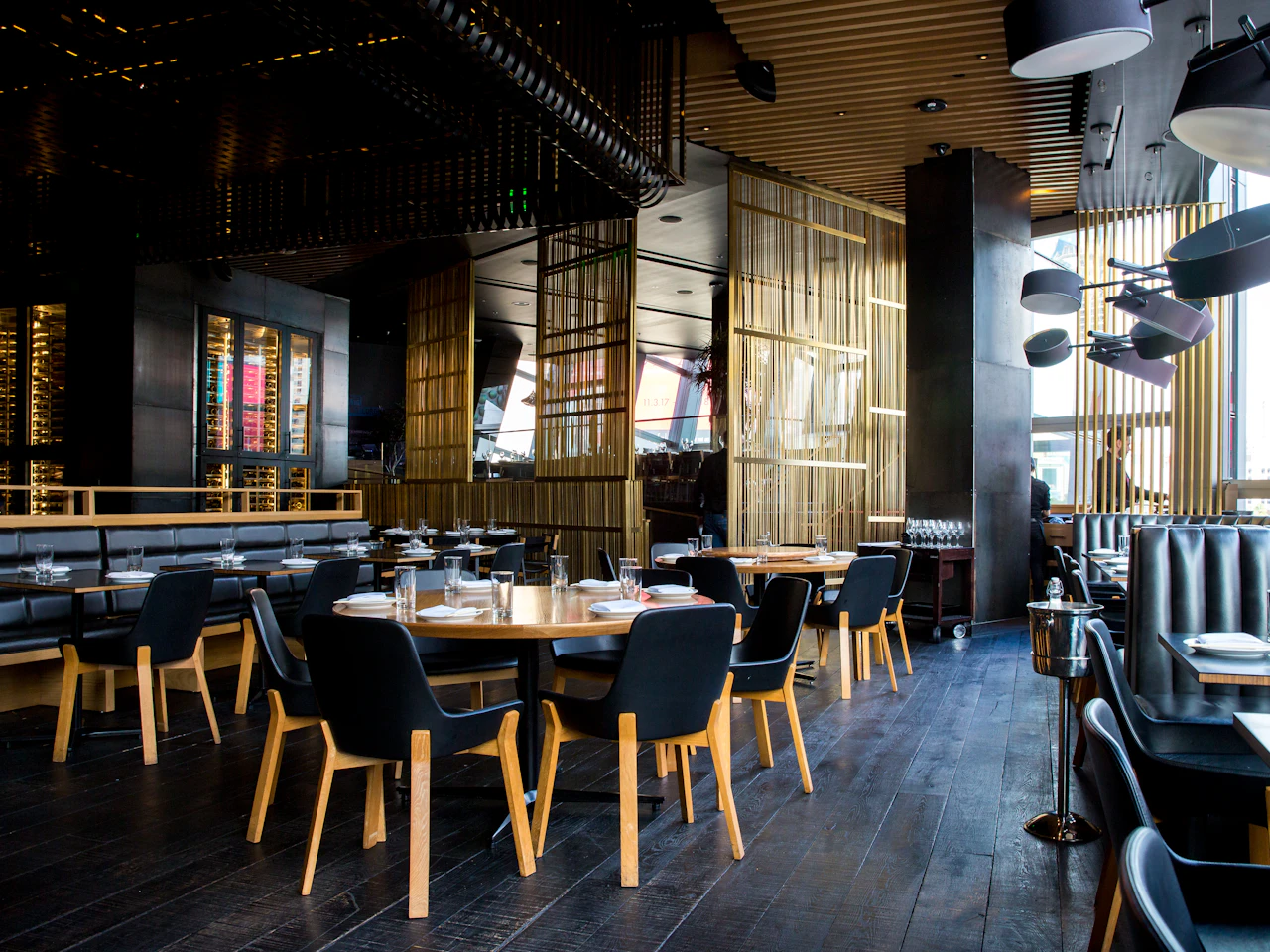
Add names, optional prices, photos, descriptions, dietary information or calories.
Publish updates to the same menu address, without reprinting it.
From idea to connection
Quick answer
Business and Enterprise include a restaurant menu builder with categories, translations, private drafts and published versions. Guests browse without an account.
Guests can switch language, search dishes and filter restaurant-supplied dietary labels. Menu browsing works on phones, tablets and desktop.
Drafts stay private until published. You can restore a previous menu to a draft and review it before publishing again. Printed QR codes continue resolving after a downgrade; editing follows your current plan.
No. Dish names are required; the other information is optional.
This release lets guests browse menus. Ordering and payments are not included.
No. Owners enter and review their own menu translations.
Your next customer could already be looking. Make it easy to find you.
Create your first QR free No credit card. No expiry. Just possibilities.