

Start with the next action
Choose the menu, contact card, service page or schedule a visitor needs at the moment they scan.
Restaurants & cafés
Put a dynamic code on your tables. Update your menu, seasonal offers or booking page as things change.
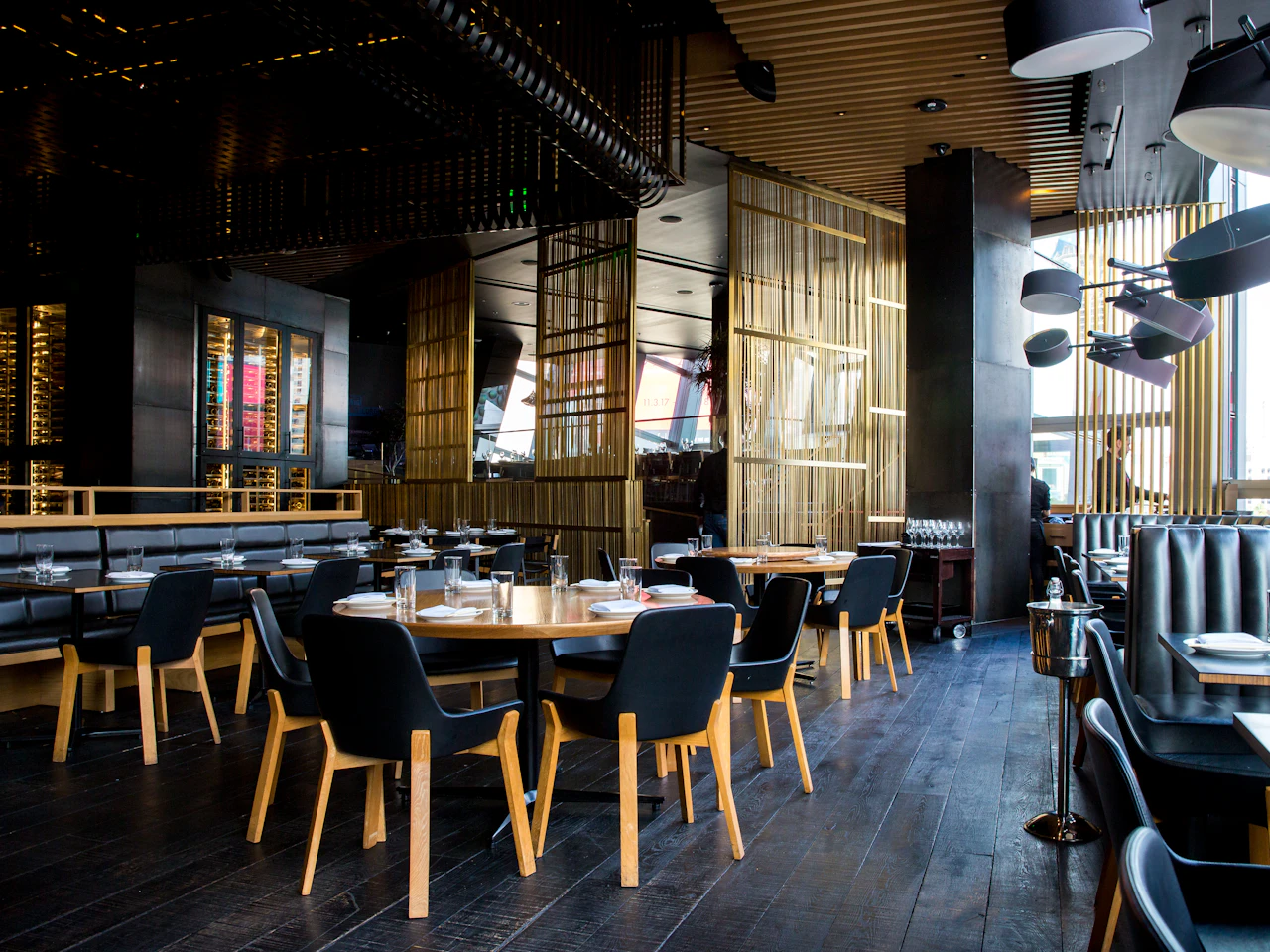
Choose the menu, contact card, service page or schedule a visitor needs at the moment they scan.
Use signs and printed materials with a clear call to action and enough room to scan.
Update your destination when the offer, details or schedule changes.
Use scan trends on the paid plans to understand which placements visitors use.
From idea to connection
Quick answer
A restaurant QR menu should open a current, readable menu with minimal effort. Publish the menu on a stable page or use a dynamic link when its address changes. Label table codes clearly, test them in the venue and keep a non-QR option for guests who need one.
Use a menu page that works on a phone and makes sections and prices easy to read. A large desktop PDF can be hard to navigate on a small screen, even if the QR code is perfect. Check the whole experience from a guest’s seat.
A QR does not need to be the only way to order or read the menu. Keep staff or a printed alternative available, especially when the connection is poor or scanning is inconvenient.
If your menu has a permanent URL, a static code can keep opening that page when its contents change. If the menu’s address changes often, a dynamic link can point to the new address without new table cards.
Publish and check the new menu before switching the destination. Scan a code already on a table after the update, and make sure cached or redirected pages don’t show old prices.
A table, a takeaway leaflet and a window sign may attract different visitors. Separate dynamic codes help you compare those placements, while a single code gives a combined total.
Read the numbers carefully. A scan means a guest opened the link, not that they ordered a particular dish. Use the data together with feedback from staff and guests.
Yes: the free generator makes a static code for a menu page you already host. For a menu you want to change after printing, use a dynamic code.
Not if the code opens a menu page you update, or a dynamic link whose destination you control.
No. Scans are link activity. Sales, bookings and guest feedback need their own measurement.
Your next customer could already be looking. Make it easy to find you.
Create your first QR free No credit card. No expiry. Just possibilities.